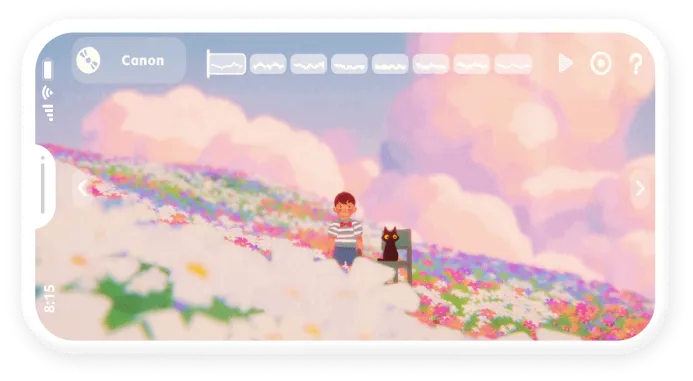
Pocket Harmonica Simulator
A mobile rhythm experience that translates the mechanics of playing a harmonica into an approachable digital interaction.
Overview
Highlights
HUA shipped as a bilingual mobile experience across iOS and Android, with the final UI implemented in Unity and support for English and Simplified Chinese.
9.5/10
TapTap rating
5K+
TapTap followers
Challenge
HUA began with a childhood memory of learning harmonica in elementary school. We set out to turn that experience into a mobile rhythm game.
My Responsibilities
UX/UI Design
Owned the experience from interaction exploration through final visual design.
UI Implementation
Implemented and organized all final UI assets in Unity
AI-Assisted Development
Used Claude to implement selected UI interactions and troubleshoot issues alongside developers.
Localization
Set up and manage English and Simplified Chinese localization.
Product Design Process
Overall Process
Concept
Alignment

Interaction
Exploration
Design
Implementation
Playtesting
Iterate
Deliver
Design to Implementation
Design and implementation happened in parallel, allowing me to iterate on UI and interactions directly in Unity.
Figma Design

Unity Implementation
AI-Assisted Interaction
Development
Test & Debug
Understand
Project Direction Alignment
The Producer established HUA’s concept and childhood-inspired backstory. From there, we aligned on the product direction and scope:

Product Direction
Design for ages 4+ while preserving the feel of playing a real harmonica

Core Experience
Follow rhythm cues and play songs using harmonica-inspired controls

Project Scope
Design and deliver the experience within a three-person, part-time team
Interaction Exploration
Low-Fidelity Prototype
I explored two interaction directions in Figma and tested the prototypes on a mobile device to understand how the harmonica mechanics translated to touch.
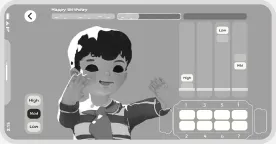
01 · Pitch-Based Controls
Grouped notes by pitch into four columns for a more compact control layout
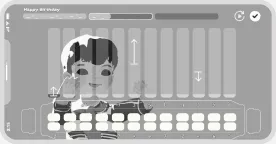
02 · Harmonica-Shaped Controls
Arranged all notes across to more closely mirror a physical harmonica
Iterated Wireframe
Internal Playtesting showed the initial concepts created small touch targets, and made the mechanics difficult to understand.
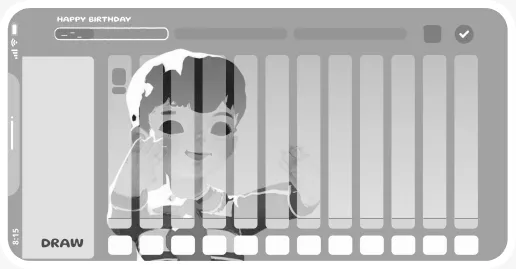
Action
- Simplified Controls: Moved blow and draw to a single toggle button
- Reduced Visual Weight: Removed the harmonica-shaped interface
- Simplified Mechanics: Reduced two rows of notes to one for easier play
Design
High-fidelity Interface
Developed a minimal visual system using restrained color, rounded controls, and localization-friendly typography.
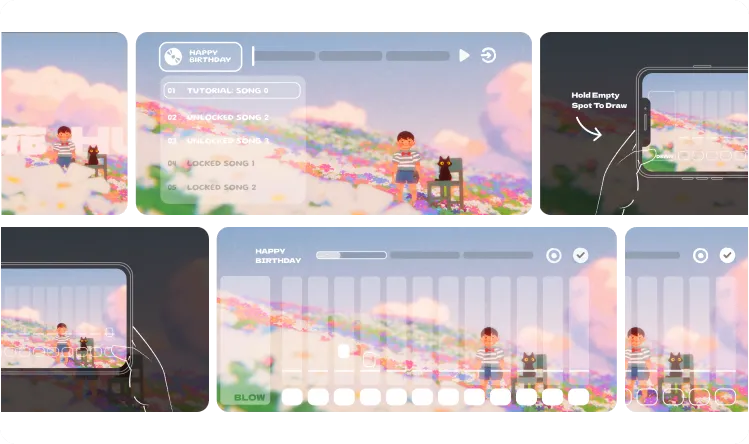
Experience Evaluation
Playtesting & Iteration
Playtesting with roughly 20 external players helped surface recurring usability issues before release.
Game Guidance

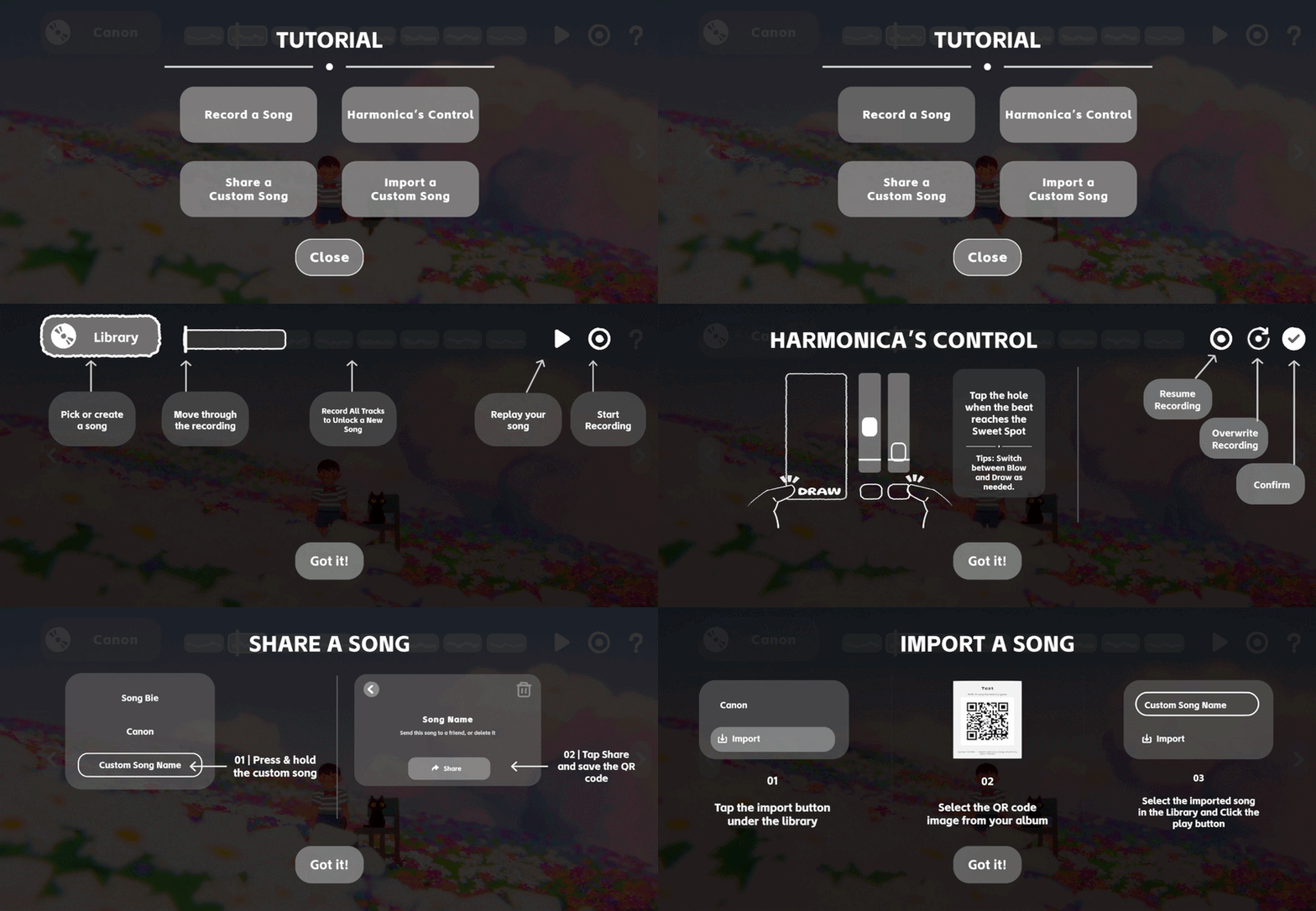
User feel
Players were unsure how the game worked and what they could do.
Action
Added an optional in-game help guide accessible from each screen. Illustrated tutorials explain key controls and flows.
Touch Targets
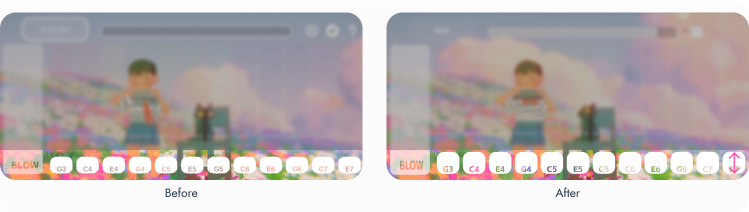
User feel
Buttons were difficult to tap accurately during rhythm gameplay.
Action
Reviewed mobile safe areas and increased button sizes for easier interaction.
FINAL DESIGN
Experience Walkthrough
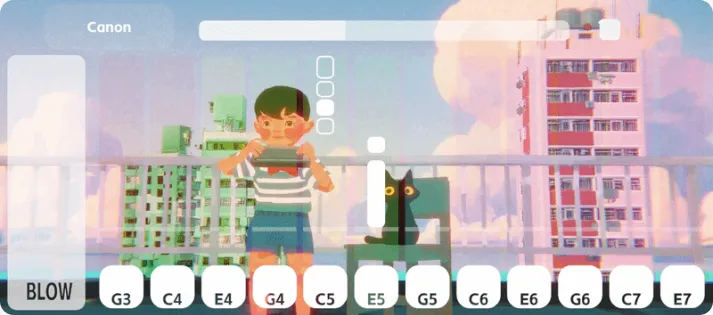
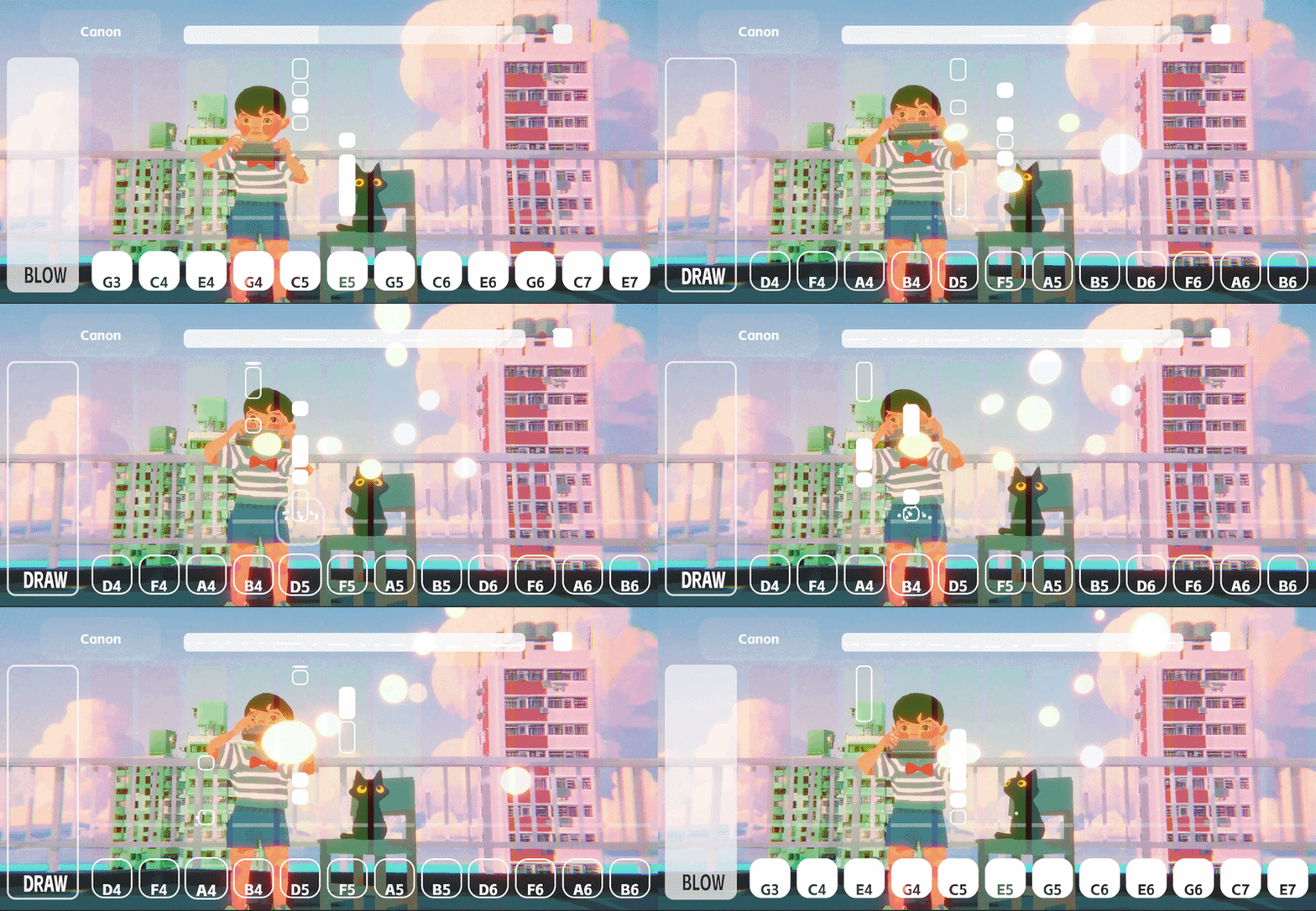
Gameplay Screen
Combines descending rhythm cues with blow/draw and harmonica-hole controls for the core playing experience.
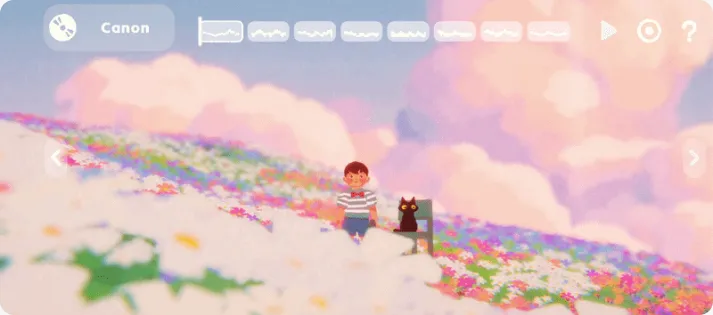
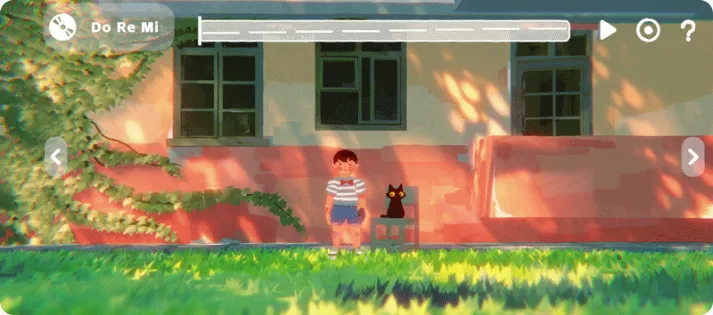
Main Screen · Song Playback
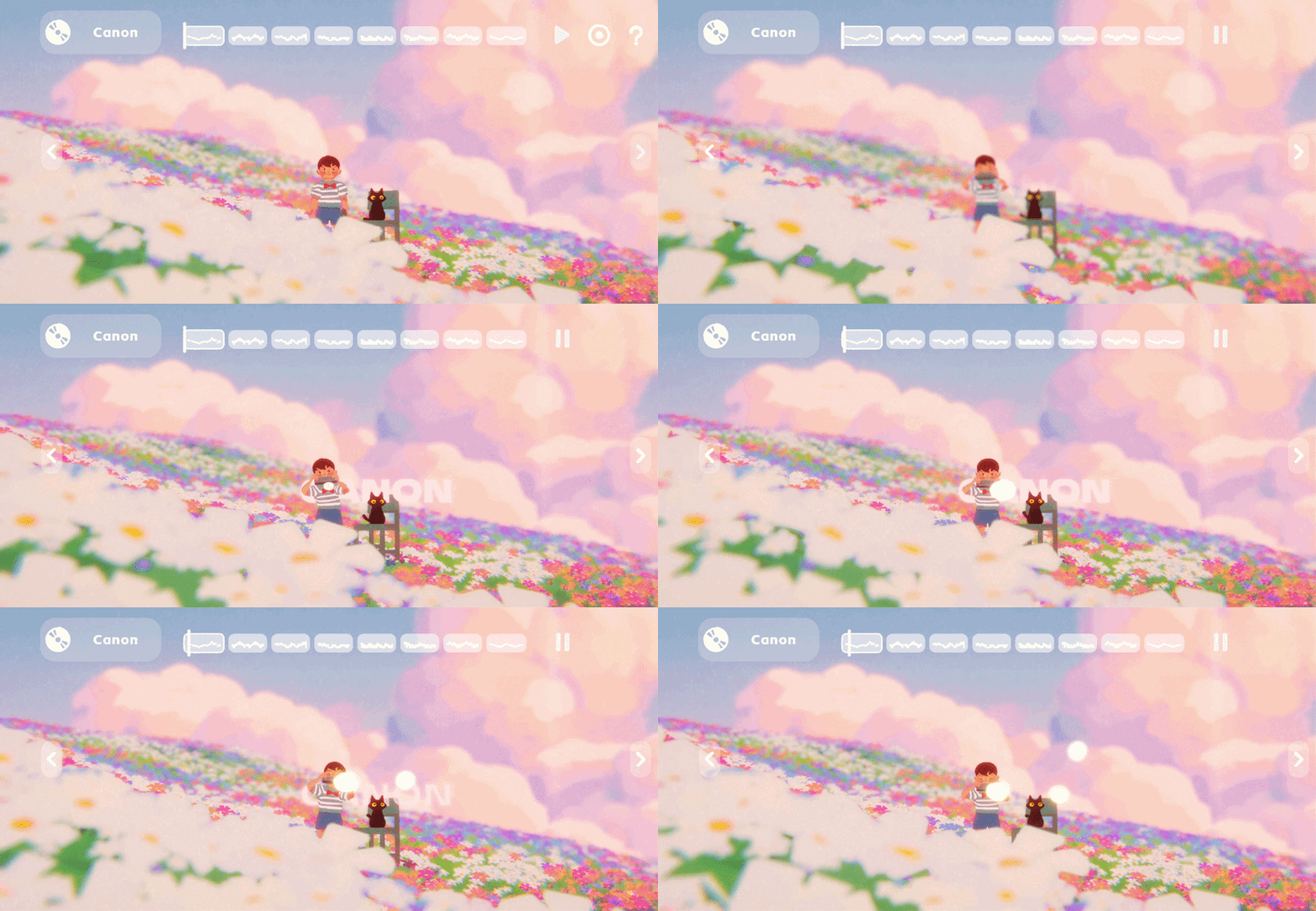
Brings the player’s recording into the 3D scene, where the boy performs the song users created.
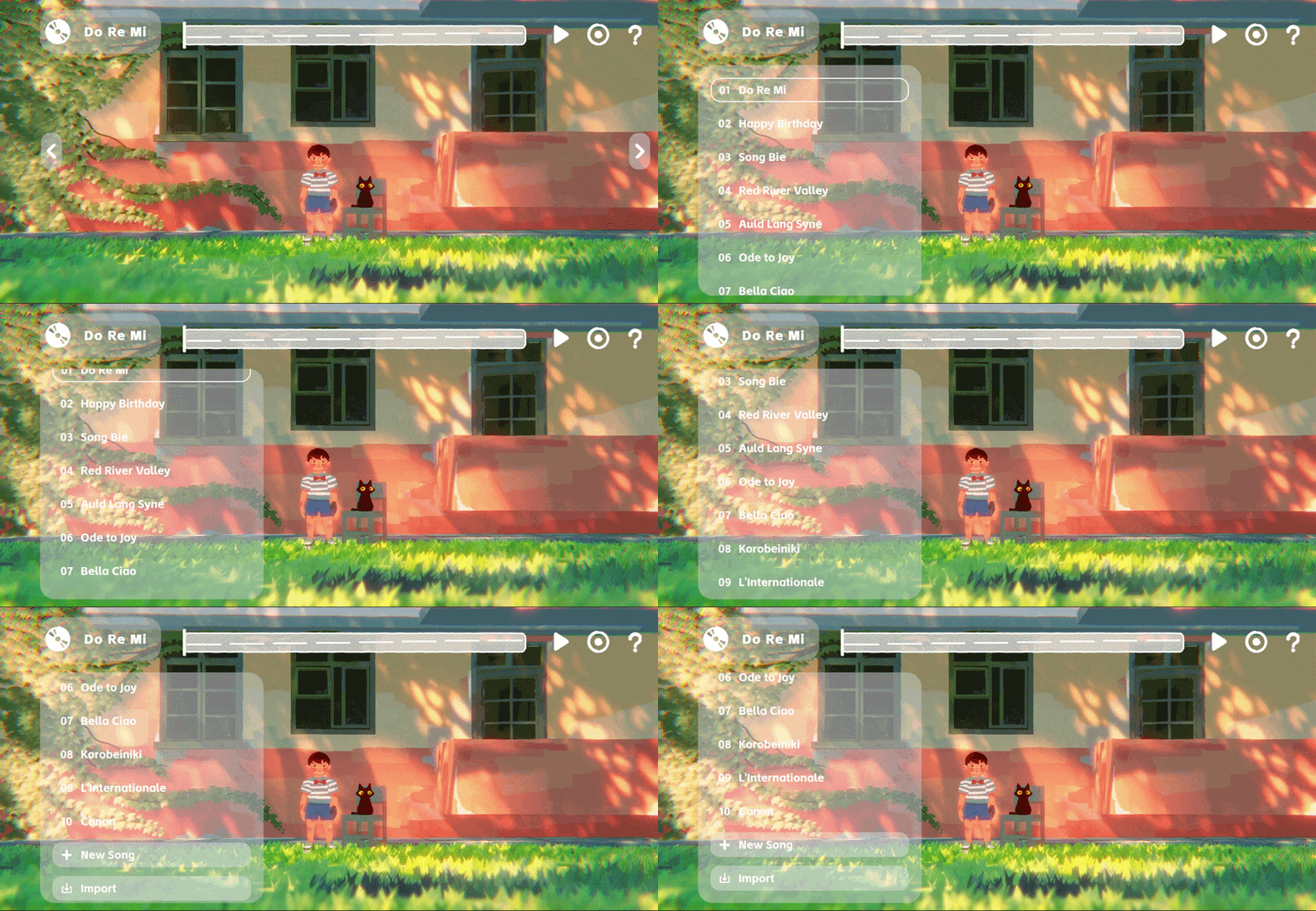
Main Screen · Song Library
Shows available and locked songs alongside options to create or import custom songs.
Launch & Reception
Outcomes
HUA shipped as a bilingual mobile experience across iOS and Android, with the final UI implemented in Unity and support for English and Simplified Chinese.
9.5/10
TapTap rating
5K+
TapTap followers