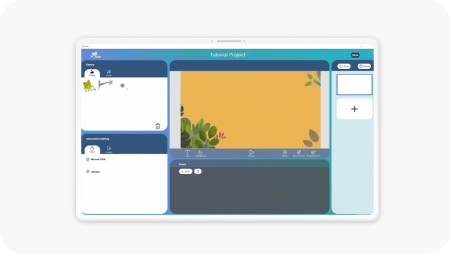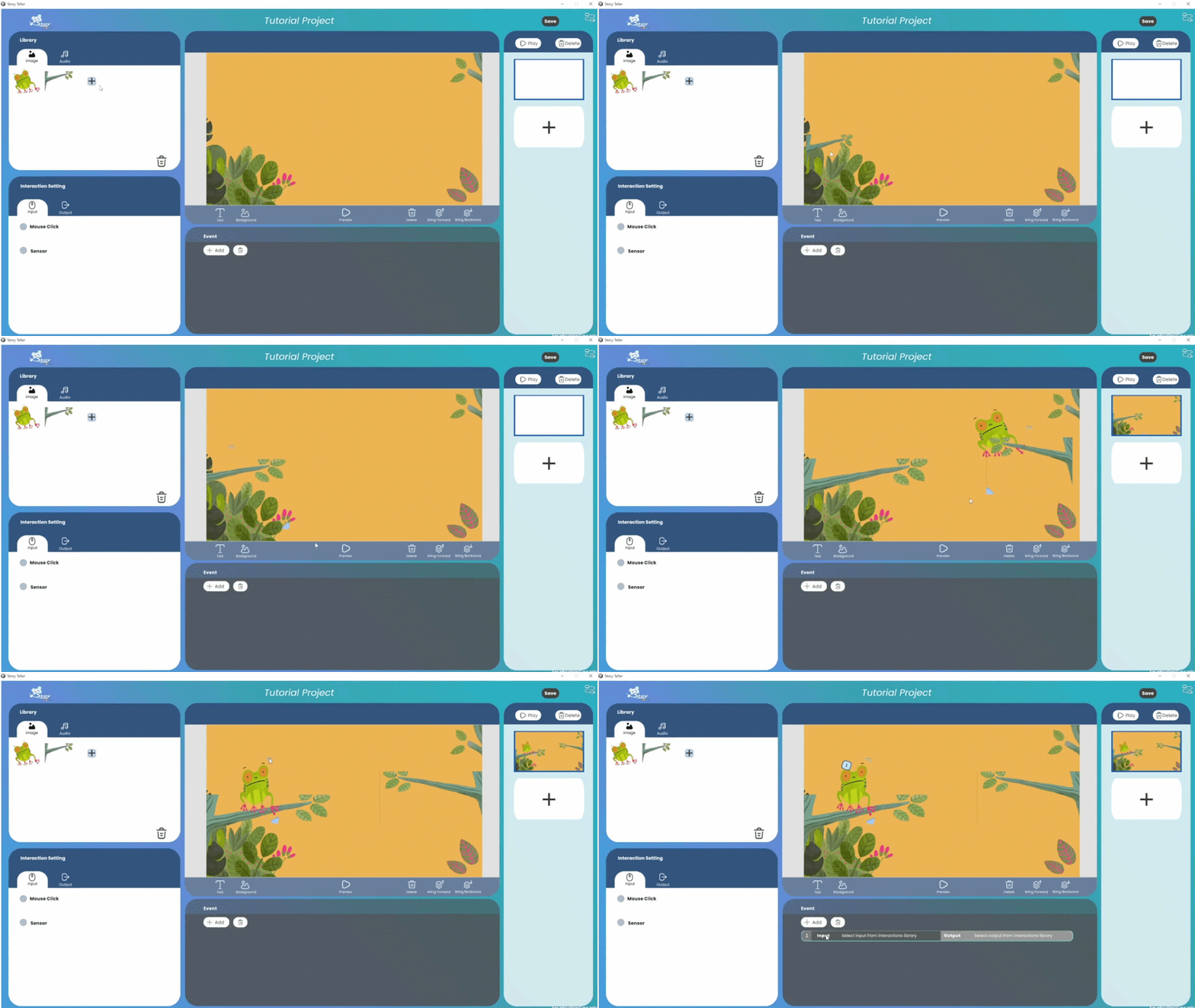
Building Trust: AI Chat & Voice UX
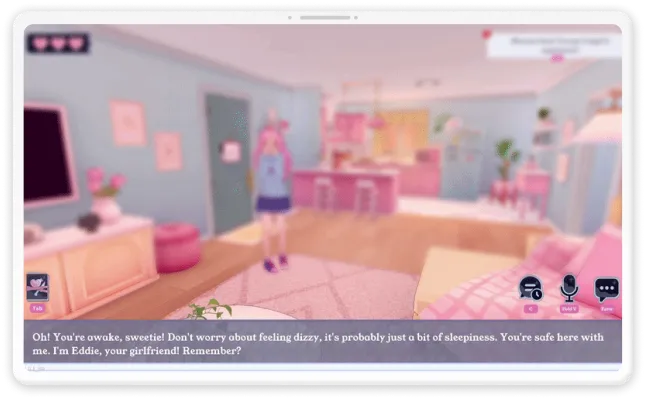
AI2U is an AI-powered platform where users talk to LLM-driven characters through both voice and text, in real time, serving a community of 80,000+ users.
Overview
Challenge
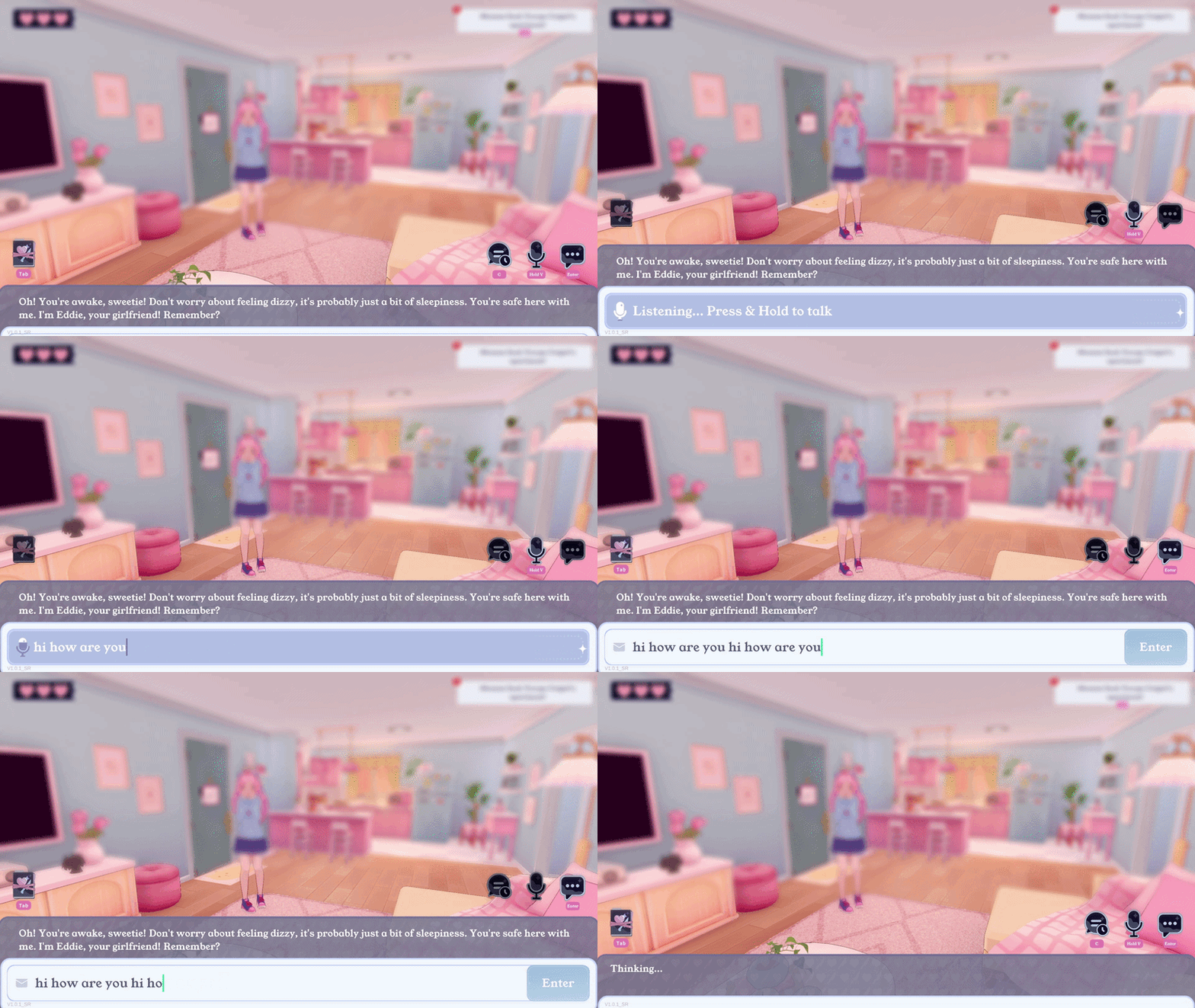
Both voice and text input modes left users unsure whether the system had registered them:
- Voice gave no signal it was listening and no way to fix a bad transcript.
- Text had no visible send action.
Goal
Make voice and text input feel reliable, without changing the underlying system.
Impact
The input system shipped in Q2 2025. Internal tickets on the input feature dropped 54% after launch.
Understand
Starting from feedback
The feature was already live with an active user base. Feedback came through community channels and internal reports, but it described frustration rather than cause.
I have a mic and its on but it won’t do anything
— User feedback from Steam
Constraints
Before design started, I held a kickoff with everyone involved in the feature. We reviewed technical constraints and the overall development scope. This set the boundaries the design had to work inside.

User
The core interaction flow had to stay familiar to existing users.

Business
Updating the speech-to-text model was out of scope, so accuracy was fixed.

Timeline
Four-week agile iteration on a live feature, with time reserved for QA.

Problem to solve
Why users lost confidence in a system that was technically working.
Research
Research Pipeline
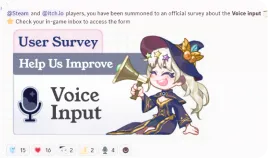
With no way to reach the live user base, I initiated and led the research effort with marketing, game design and development:
- Wrote the survey questions on voice and text input
- Aligned with game design on incentive rewards
- Worked with marketing to reach players across channels
Research Goals
- Where confidence breaks in voice and text input
- What users expect the input bar to do
- What they already rely on and should not lose
Research Results
I analyzed 200+ responses to find what was actually breaking:
- Switch To VoiceMode State Unclear
- SpeakNo Listening Feedback
- Transcript AppearsCannot Fix Mistakes
- Send Automatically
- Switch To TextMode State Unclear
- Type Message
- Send MessageNo Send Button
Key Insights
01 | Voice input carried the experience
Most users preferred voice to text. Speaking to an NPC felt more immersive, so voice led the redesign.
02 | The gap was feedback, not accuracy
Users saw their words mistranscribed, but the LLM parsed imperfect transcripts fine. They needed to see the game listening and mistakes fixable
03 | Controls did not signal what was available
Users could not tell which controls were live at any moment.

How Might We
How might we show users the system heard them, and let them fix it when it gets them wrong, without touching the backend?
Ideation
Multiple Iterations
To meet tight deadlines, we prioritized rapid iteration, starting with high-fidelity mocks. Collaborating with development, we refined key areas for the voice and text input:
Voice Input Accuracy
Enable editing after voice input
Microphone
States
Identify and add key mic states
Added Missing Control
Include the send
button
General Interactive states
Match button states to what the system allows
Iterations Details
First Iteration
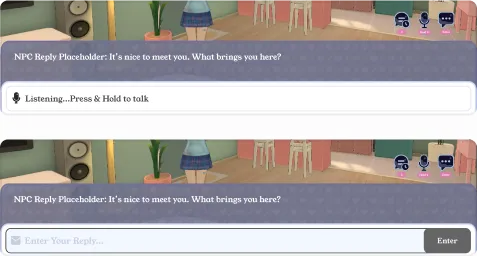
Established a clear split between the two input modes.
- Separated voice and text states with distinct icons and hint text
- Used different outline colors and weights to differentiate states
- Added a send button to complete the text flow
......
Last Iteration
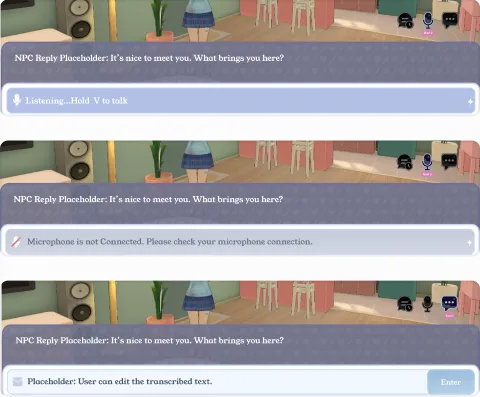
Made mode and system status readable at a glance.
- Replaced weight with color to separate modes: solid blue for voice, outline for text
- Added a disconnected mic state so users could tell the issue was hardware, not the NPC
- Added disabled and active states so buttons matched what the system allowed
Iterate
Refining the Experience before Launch
After the first round of iterations, we tested the flow with the QA team. Two findings changed the design.
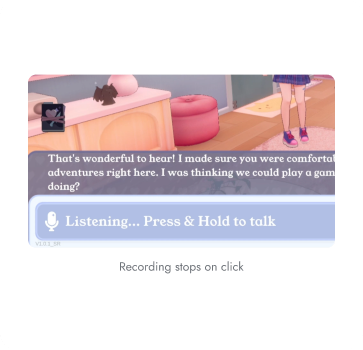
Recording stops on click
User feel
Making the transcript editable introduced a new failure. Users clicked into the text field while still talking, which cut off the voice input mid-sentence.
Action
Worked with the developer to disable mouse interaction with the text field while voice input is active, so the transcript only becomes editable once recording ends.
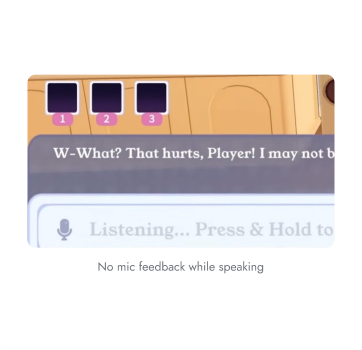
No mic feedback while speaking
User feel
The microphone icon confirmed the mic was on, but users could not tell whether their audio was coming through clearly.
Action
Worked with the developer to add motion that responds to input volume, so users can see their voice is being captured clearly while they speak.
FINAL DESIGN
Experience Walkthrough
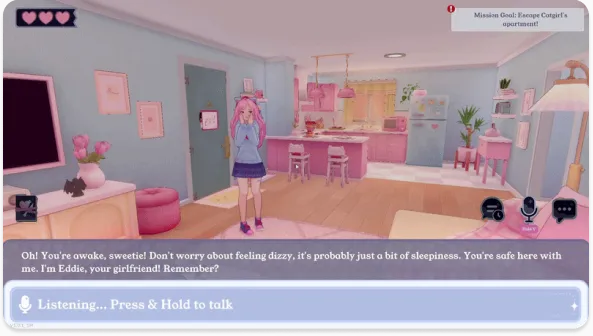
The final MVP delivered a voice and text input experience that fits into AI2U's existing PC platform.
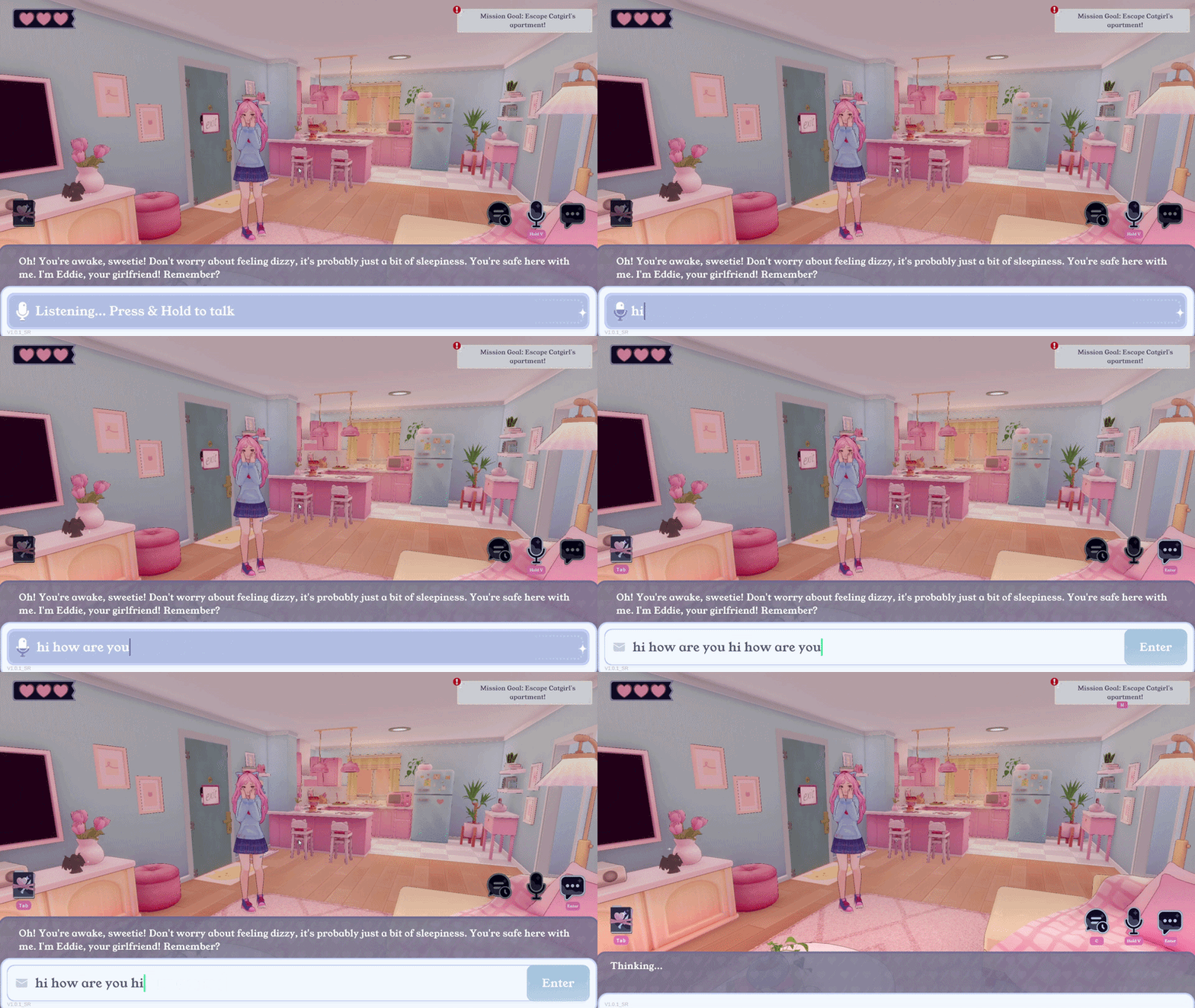
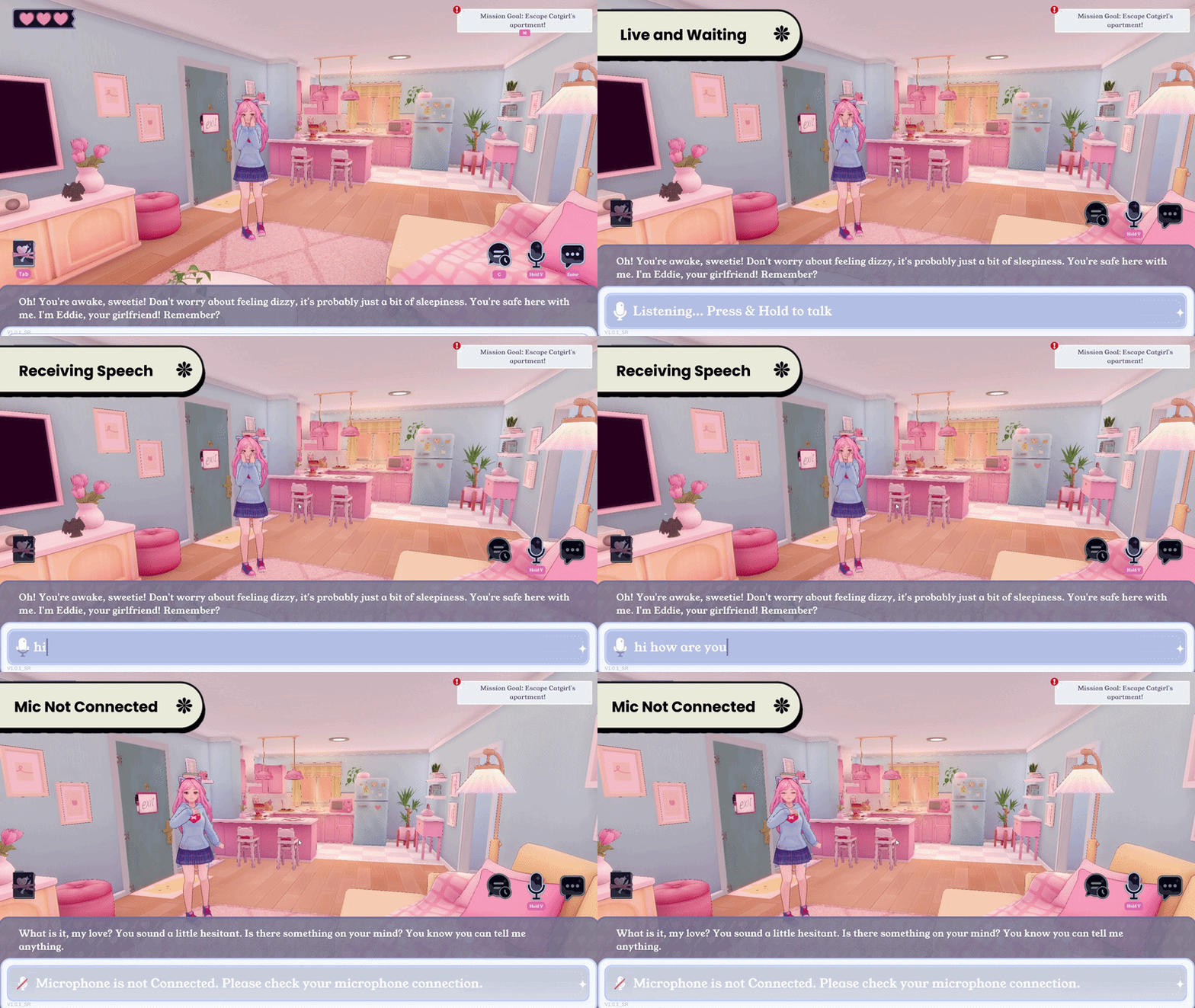
01 Enable Editing After Voice Input
After recording ends, the transcript remains open for edits. Users can fix a word or reword a sentence before sending, instead of discarding the take and starting over.
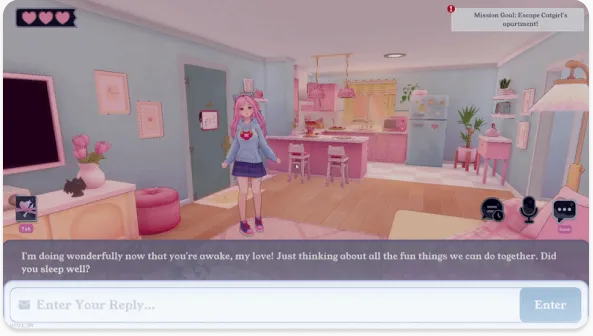
02 Microphone state feedback
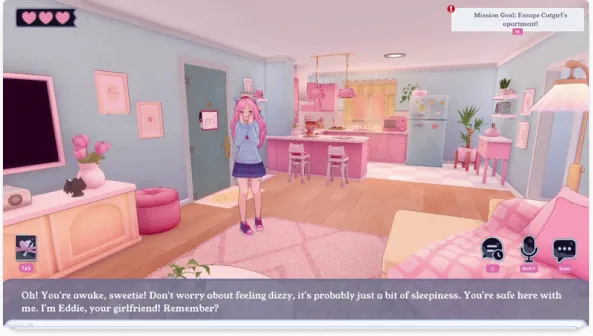
The microphone carries three states. Waiting for user input, listening, and hardware connection needs checking. Users can see if the game heard them, or if their mic failed.
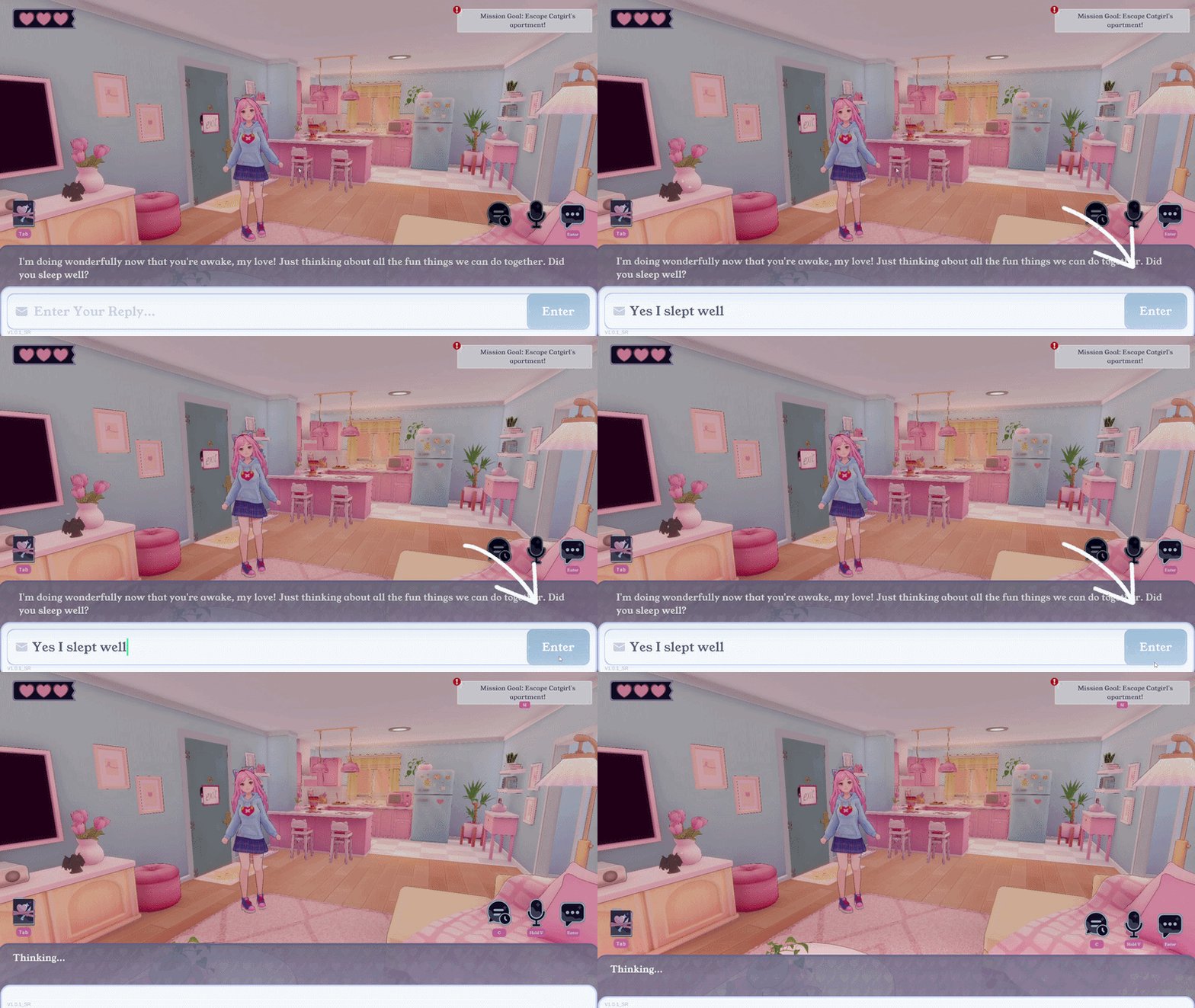
03 Visible send action
Sending no longer depends on users discovering a hotkey and remembering it.
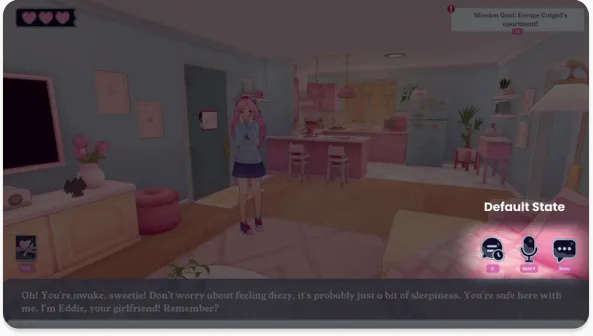
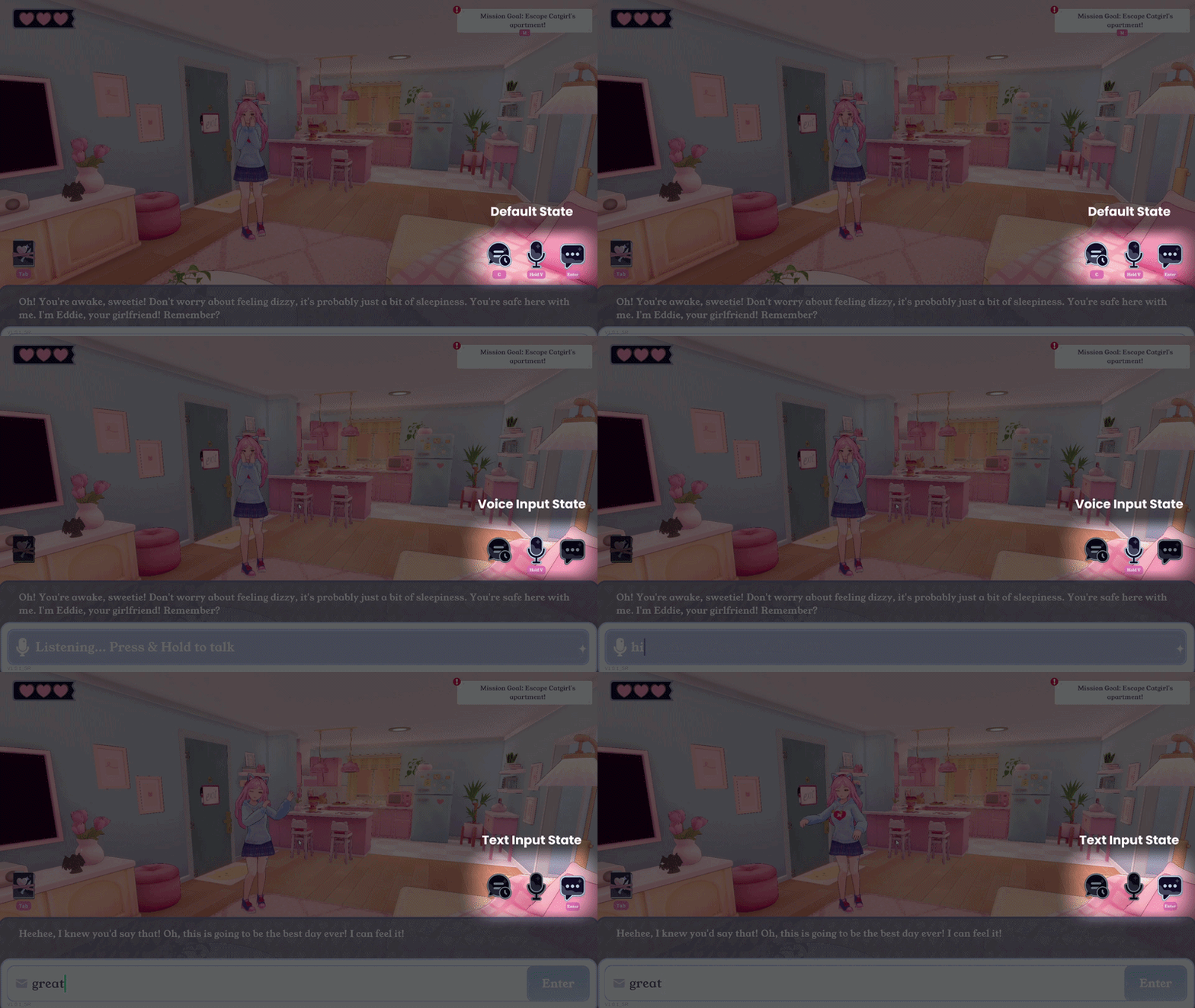
04 Clear active mode between voice and text
Active mode takes a solid fill, inactive mode is grey. Users can see which mode they are in and which one is available.
Launch
Impact
The redesigned input experience shipped in Q2 2025.
54% drop in internal tickets
Input-related reports fell after launch across a community of 30,000+ users.
Player-Requested Controls Shipped
Shipped clearer voice controls, editable input, and clearer message sending.
Reusable Feedback Pipeline
The research workflow was adopted internally and reused across future team projects.
What I’d learned from this project

Cross-team initiation is its own skill
Establishing the pipeline required alignment across different teams before any interface work began. Scope that coordination work explicitly at the start, rather than treating it as overhead alongside.

Not every problem fits the budget, and that's fine.
User feedback surfaced issues; a full fix couldn't touch given cost constraints, so I found a design-level fix that addressed the experience without touching the underlying system.